HOW TO FISH · STEAM PC
Lighthouse Island: Find the Keeper, Get Keys and Leave
Work through the departure checklist and resolve the remaining steps before moving on.
Updated September 7, 2026
Start hereFinish the Keeper’s Shell exchange, collect Boat Keys, then buy Radar and use the wooden boat’s helm. Forest is the green destination.
Use the lighthouse door and the Keeper
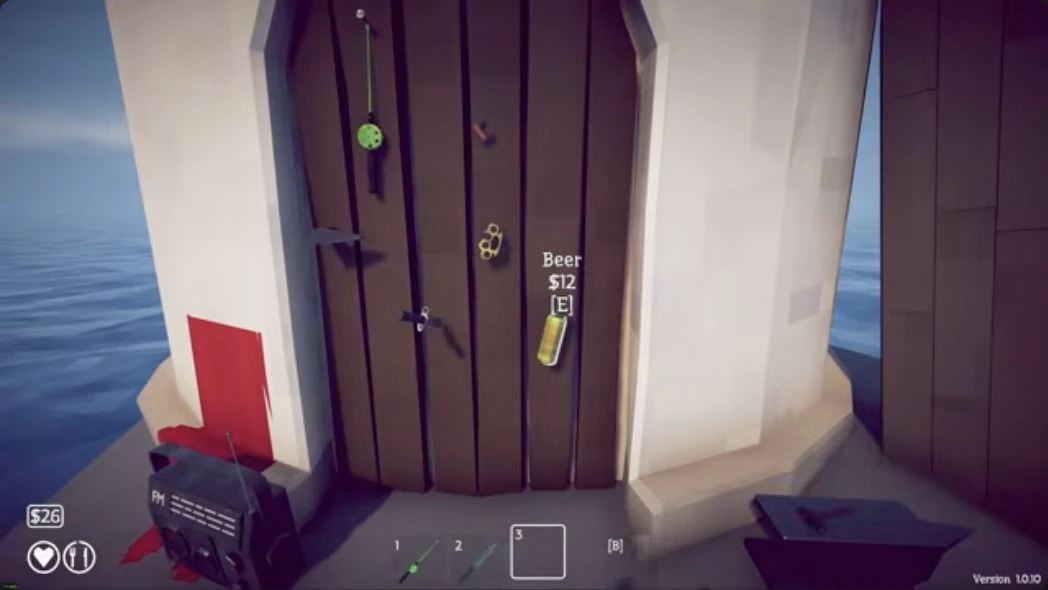
The yellow Beer hangs on the lighthouse door. Aim at its $12 purchase prompt, buy it and carry the full bottle to the black-hatted Keeper.
Give him the Beer and take the Empty Beer Can. Select that bait to catch Spider Crab; the complete fight route is linked below.
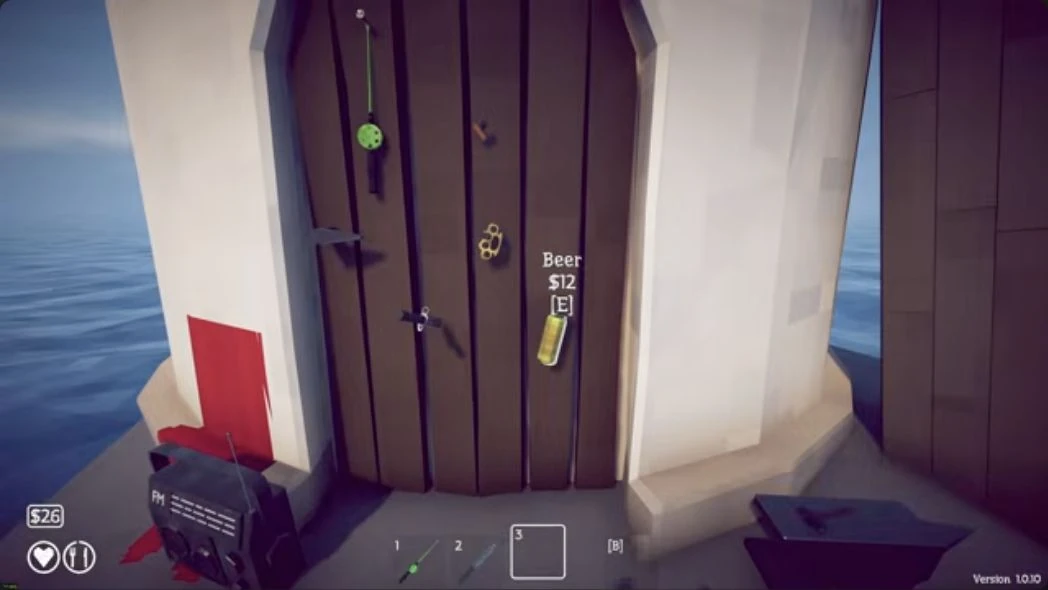 Buy the full yellow Beer here, on the lighthouse door (version 1.0.10). Tap image to enlarge. Image: Checkmark Academy
Complete the exchange
Return Spider Crab’s red Shell to the Keeper.
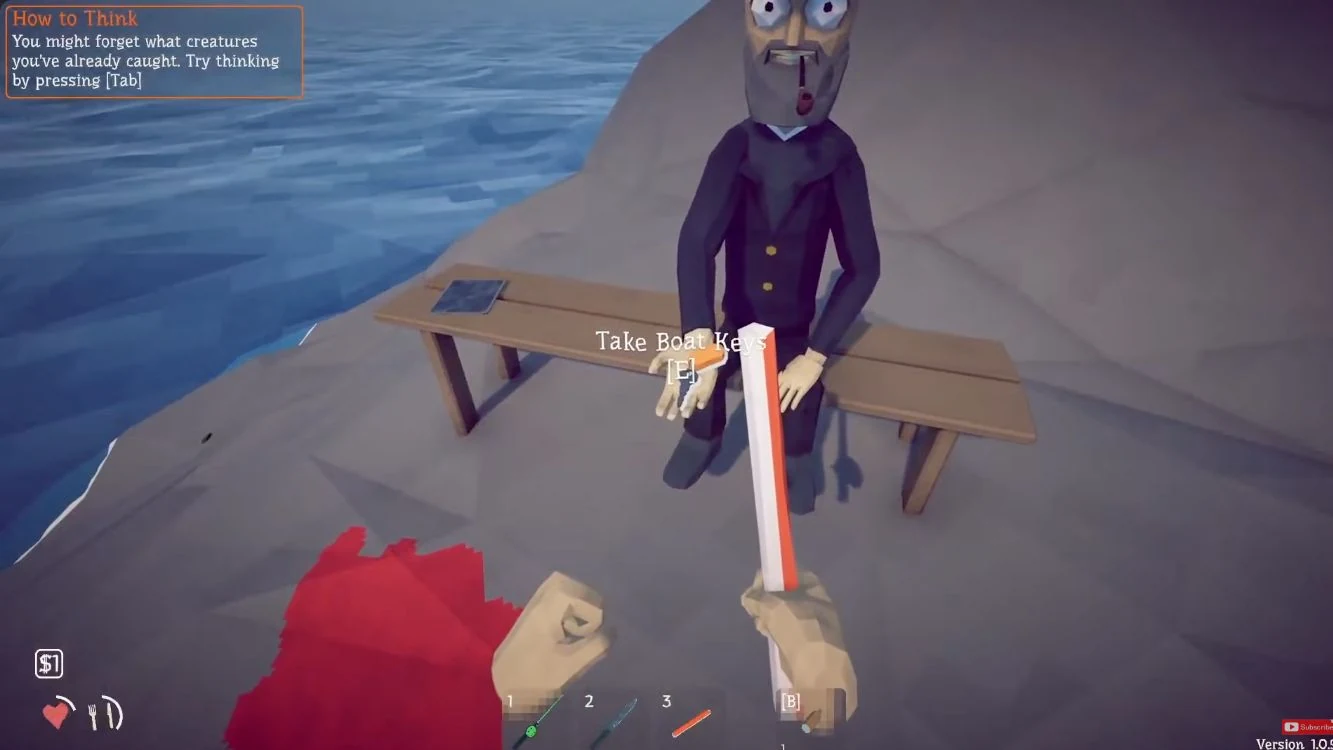
When he offers the keys, aim at Take Boat Keys and press E.
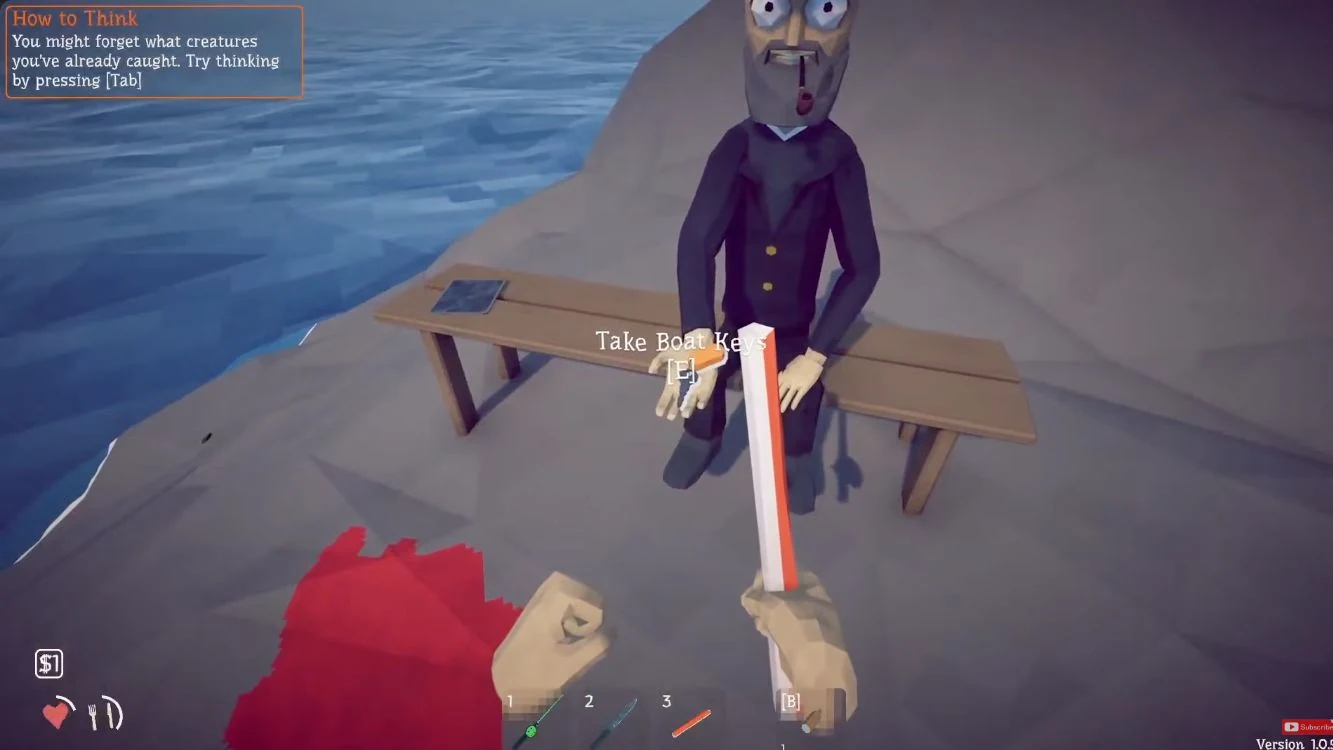 Keys offered, before pickup. Tap image to enlarge. Image: Ditech Gaming
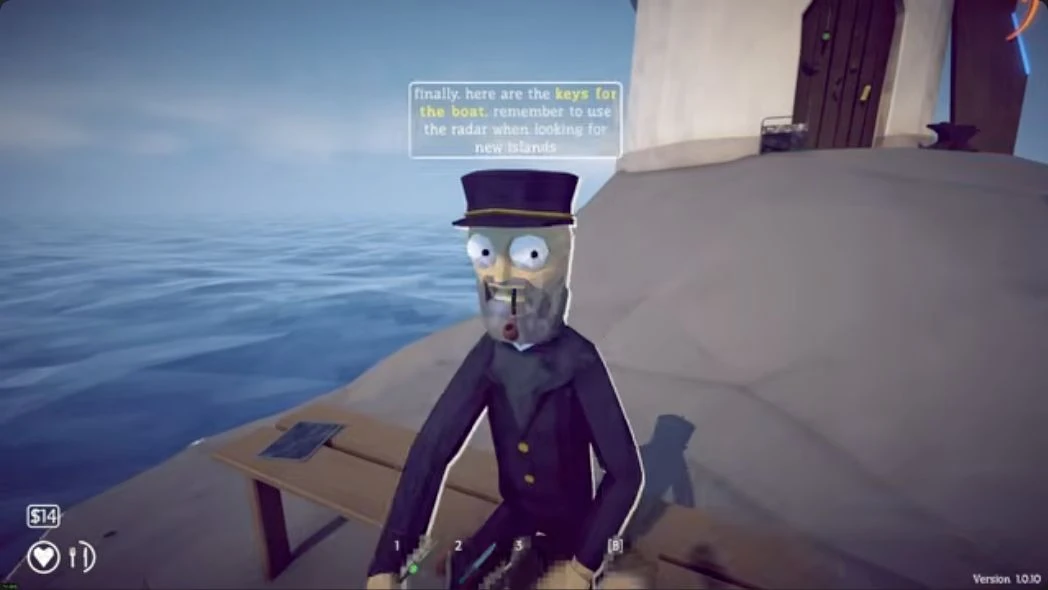
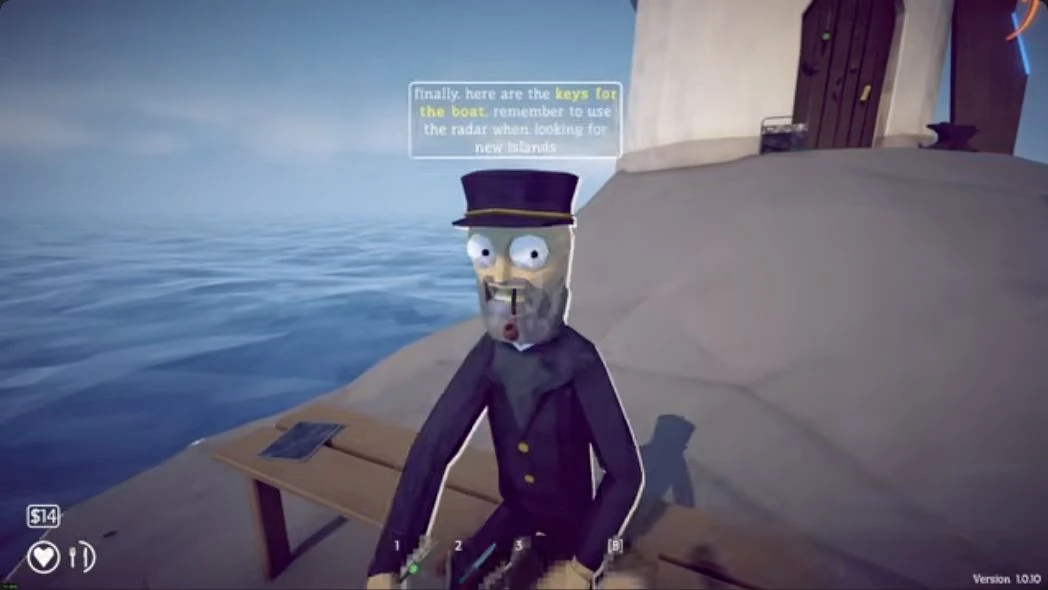 The Keeper announces Boat Keys after the red trophy exchange. Version 1.0.10. Tap image to enlarge. Image: Checkmark Academy
Board and leave
- Buy Radar beside the Keeper.
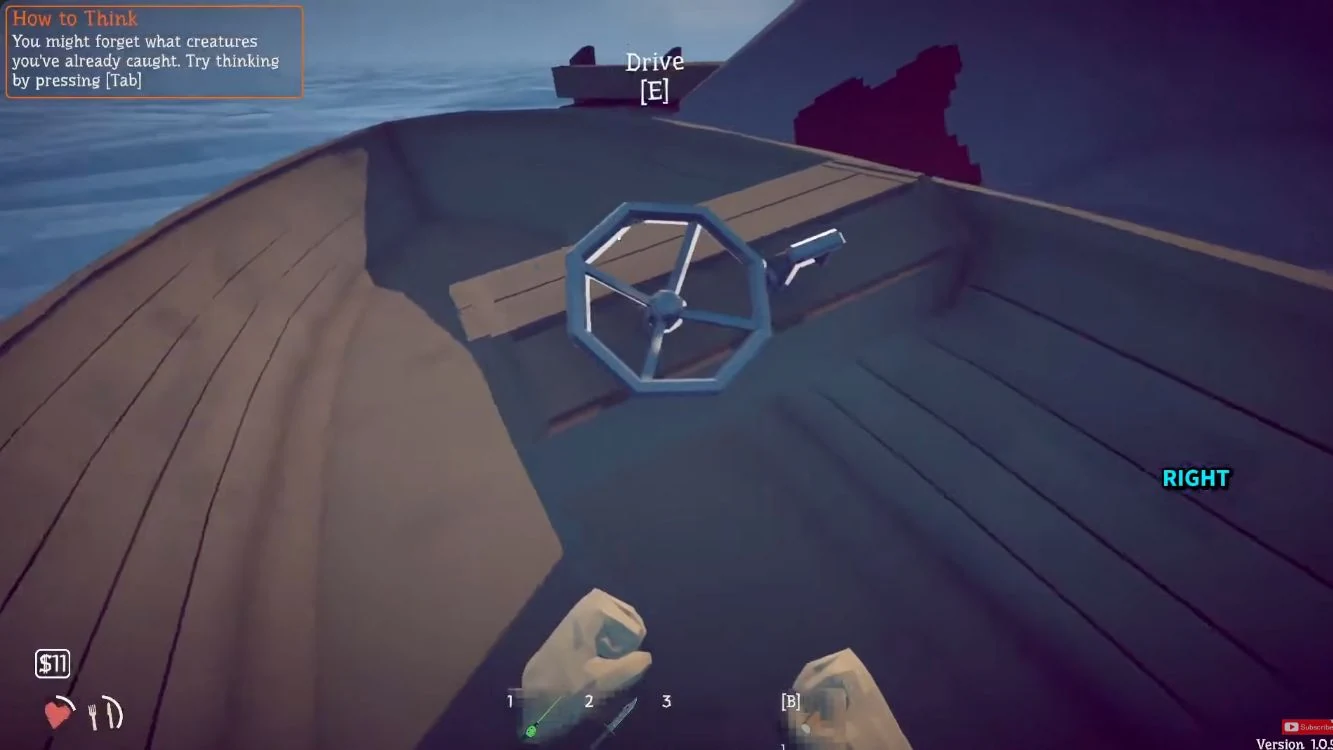
- On the wooden boat, aim at the helm and use Drive [E].
- Follow the green marker to Forest.
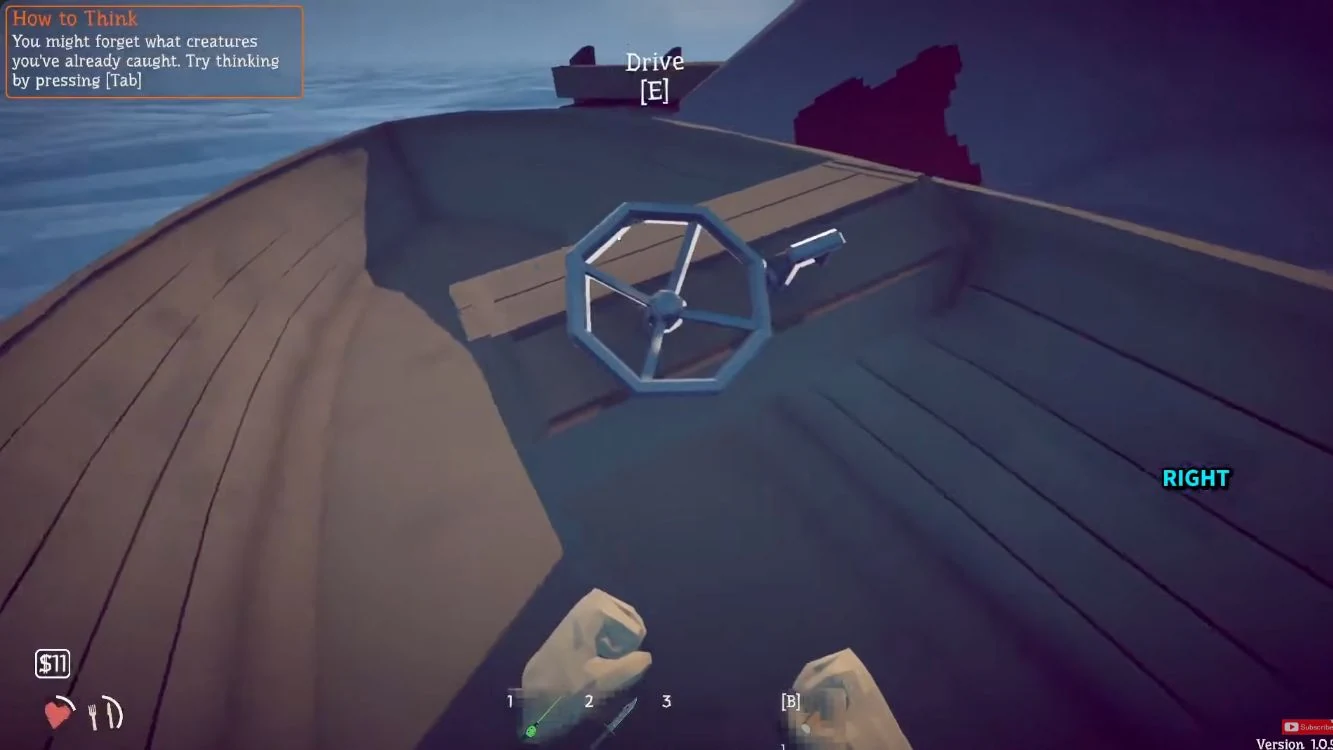 Use the boat’s Drive prompt after collecting its keys. Tap image to enlarge. Image: Ditech Gaming