FISH DBHow to Fish Game DB

HOW TO FISH · STEAM PC

How to Fish Beginner Guide: First Rod to Boat Keys

Work through the opening tasks in order and use the illustrated checkpoints to find the next unfinished step.

Updated September 7, 2026

Start here

Sell clams for your rod. Trade Beer for the Empty Beer Can, beat Spider Crab and return the red Shell to the Keeper. Collect his Boat Keys.

Get starting money from clams

Look along the Lighthouse shoreline for loose clams. Aim at one and press E to pick it up.

Carry a clam to the black-hatted Keeper beside the lighthouse. Aim at his mouth and hold Q to sell it.
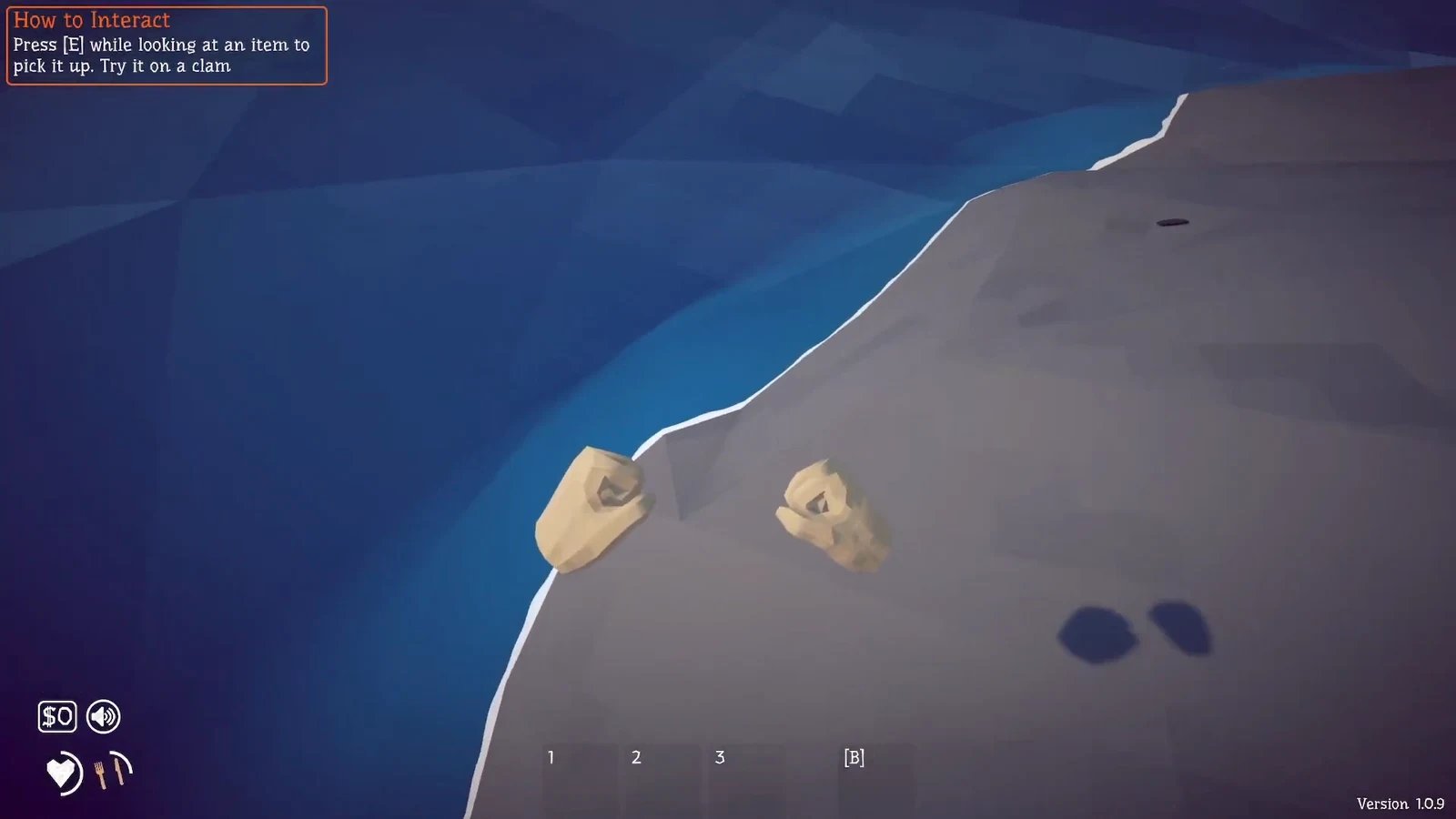
Loose shoreline clam beneath the E pickup tutorial in How to Fish
Look at a shoreline clam and press E (version 1.0.9). Tap image to enlarge. Image: All Things How
Close-up of the E item pickup tutorial
Pickup tutorial detail from the full shoreline image above. Tap image to enlarge. Image: All Things How
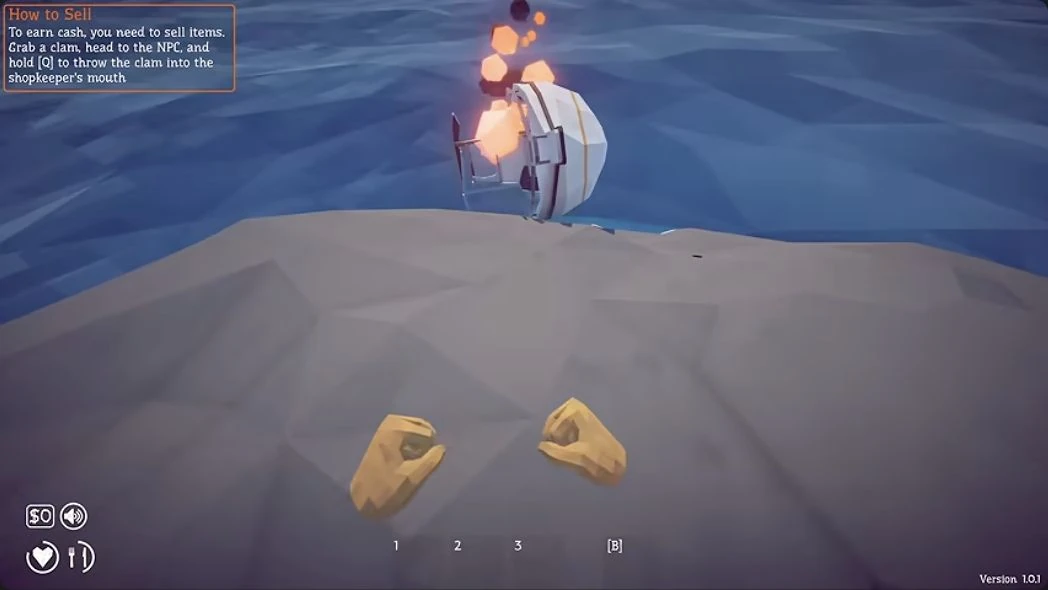
How to Sell tutorial on the shoreline
The native selling lesson uses a held clam and the Keeper’s mouth (version 1.0.1). Tap image to enlarge. Image: Skoottie
Close-up of the native Q selling instruction
Hold Q to throw the clam into the shopkeeper’s mouth. Tap image to enlarge. Image: Skoottie

Choose the first purchases

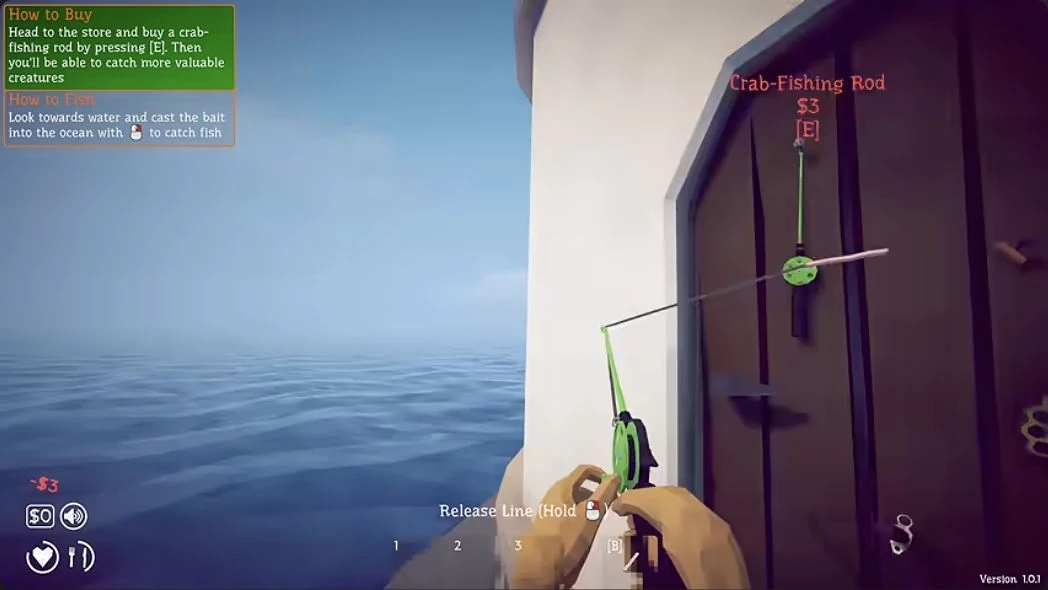
At the lighthouse door, buy the green Crab-Fishing Rod with E. The pictured purchase costs $3.

Press a number from 1 to 3 to assign the purchased rod to a bar slot.

Start with the rod, then use ordinary catches to fund your next purchases.

PurchasePurposeDecision
RodStart fishingBuy first
Hot DogMore valuable catchesOptional bait
KnifeHelps the solo boss fightOptional weapon
Green starter rod held after the E purchase
Bought: the green rod is in hand, with a $3 deduction and the fishing tutorial active (version 1.0.1). Tap image to enlarge. Image: Skoottie

Cast, reel, drop and punch

Face the water with your rod and follow these controls.

Move inland before dropping the creature so it has farther to escape.

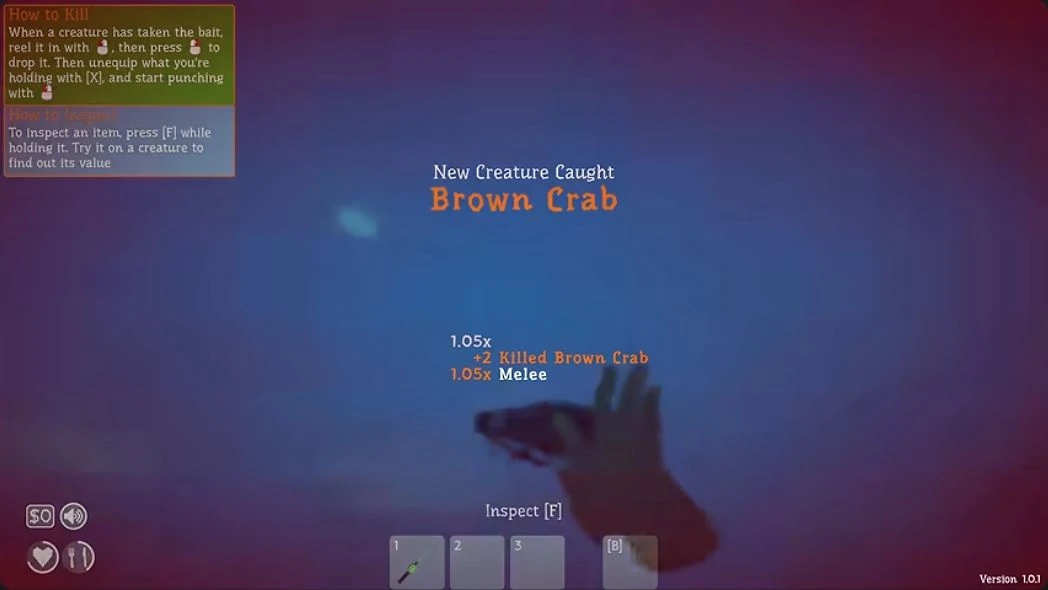
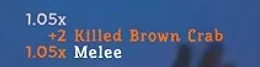
Punch until Killed appears. The Brown Crab image shows that result; Creature Caught alone identifies the catch.

ActionMouse or key
CastHold right mouse
ReelHold or repeatedly click left mouse
Drop the reeled creatureRight mouse
Put away the held itemX
PunchLeft mouse
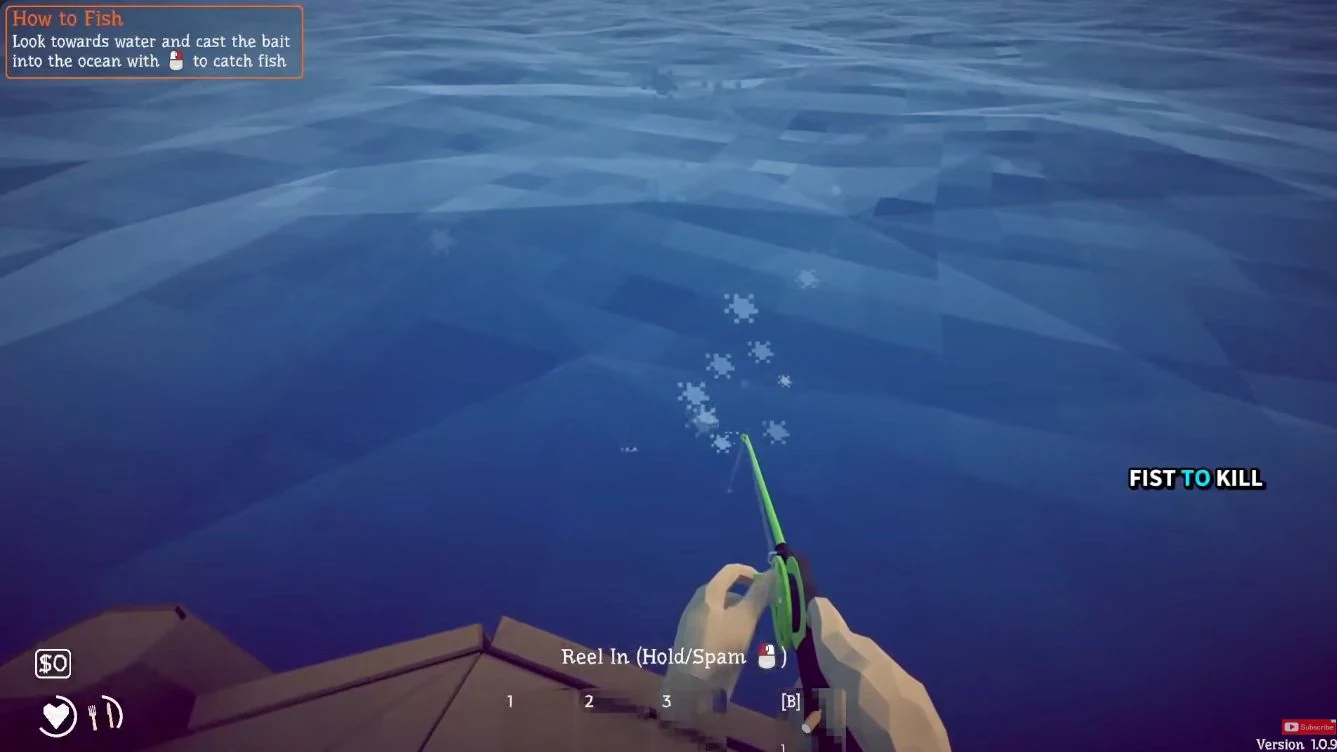
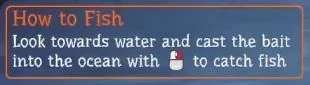
Starter-rod casting and reeling prompts
Right to cast; left to reel. Tap image to enlarge. Image: Ditech Gaming
Cast control
Hold right mouse to cast. Tap image to enlarge. Image: Ditech Gaming
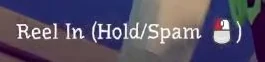
Reel control
Hold or repeatedly click left mouse to reel. Tap image to enlarge. Image: Ditech Gaming
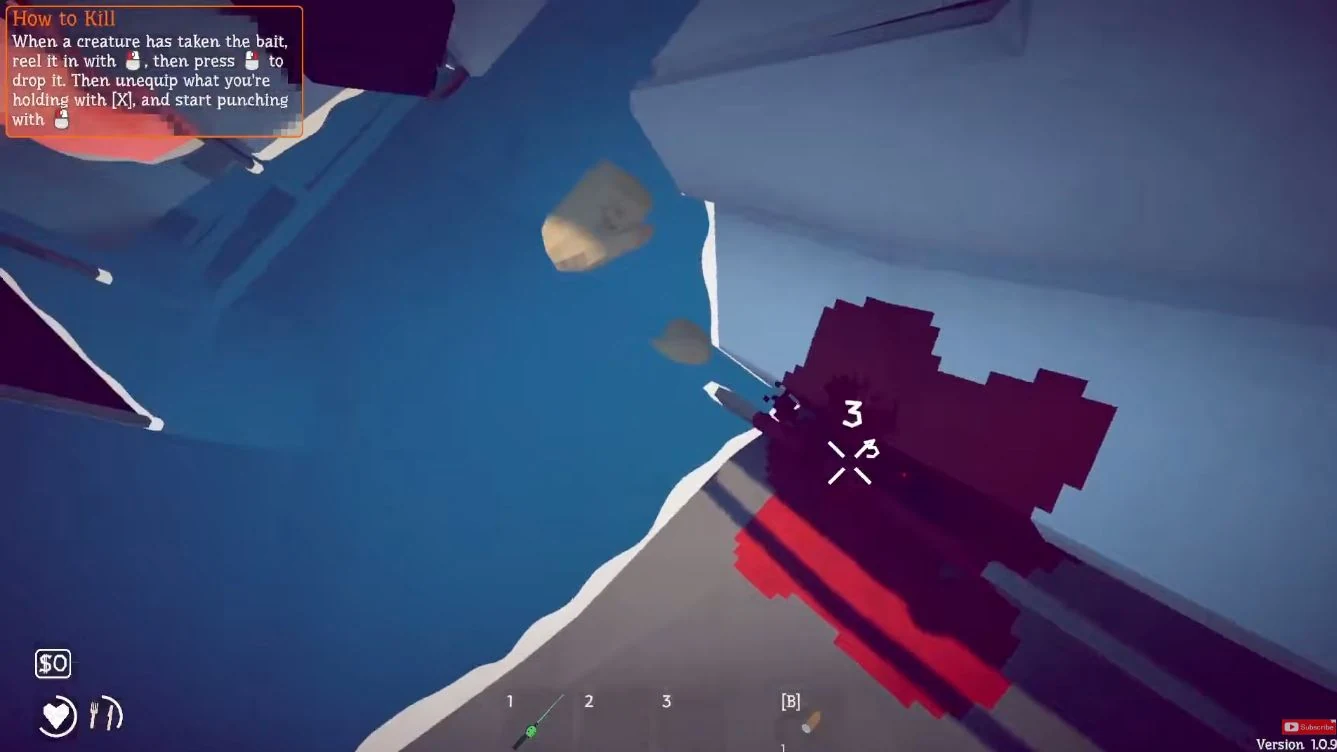
Drop, X and punch tutorial
Drop the creature, put the held item away with X, then punch. Tap image to enlarge. Image: Ditech Gaming
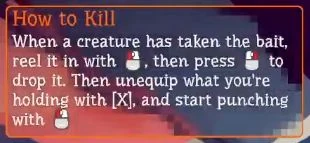
Kill control
The tutorial lists drop, X to unequip and left mouse to punch. Tap image to enlarge. Image: Ditech Gaming
Killed Brown Crab feedback and held crab
The Brown Crab has been killed. Inspect F is available while holding it (version 1.0.1). Tap image to enlarge. Image: Skoottie
Close-up of the Killed Brown Crab result
Look for the Killed message; Creature Caught alone is not a kill confirmation. Tap image to enlarge. Image: Skoottie

Sell your first catch

Pick up the dead catch with E. Carry it to the Keeper and use the clam-selling method: aim at his mouth and hold Q.

Check for an empty hand and a higher wallet balance. This Shrimp shows Value 4 before sale; the wallet changes from $2 to $6.
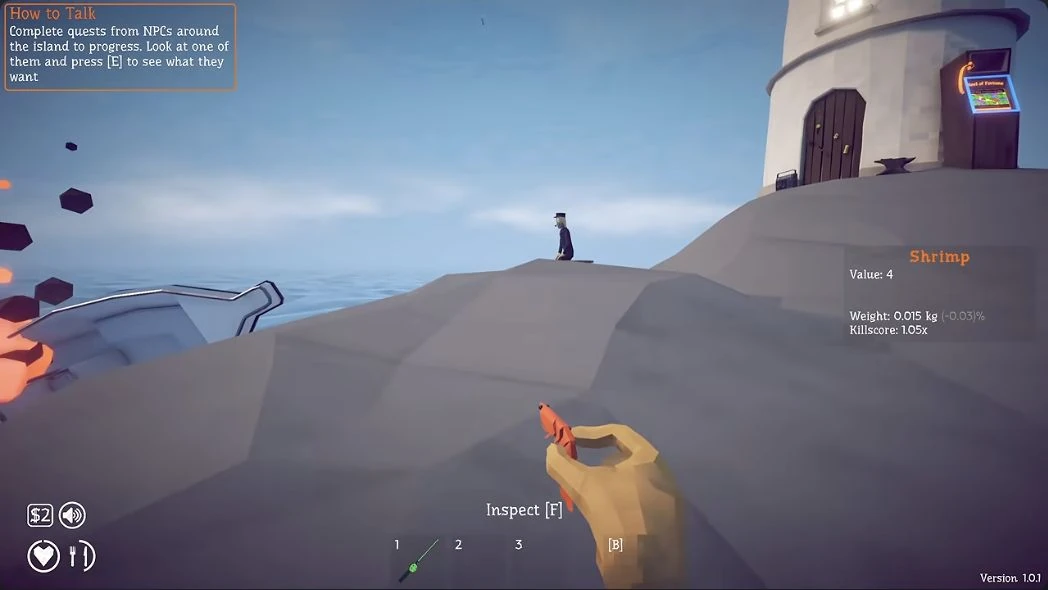
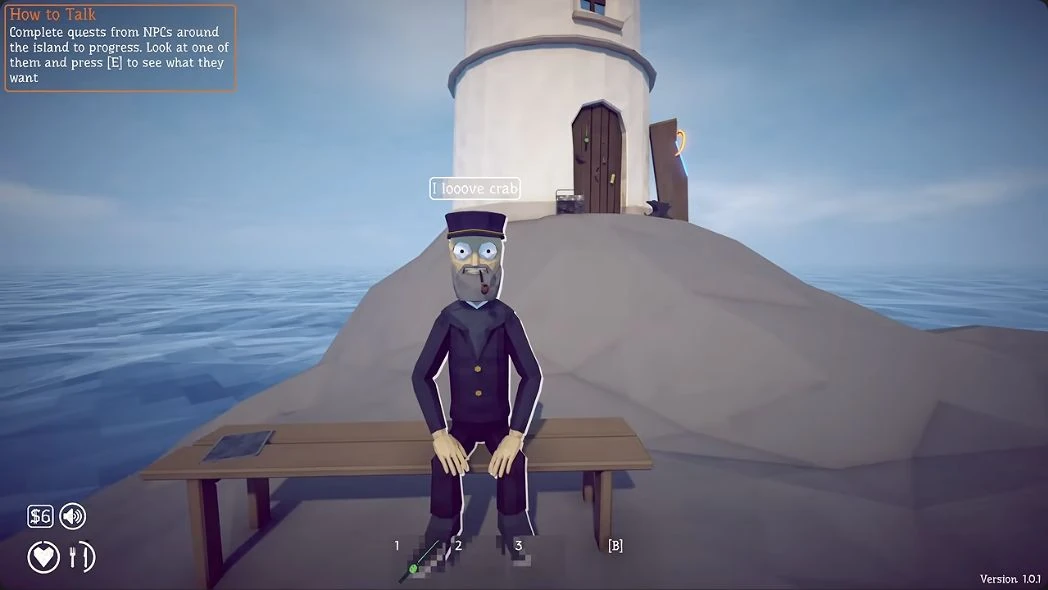
Shrimp value four and wallet two before sale
Before selling: this held Shrimp shows Value 4; the wallet at bottom left contains $2. This is one catch’s value. Tap image to enlarge. Image: Skoottie
Keeper and wallet six after the Shrimp sale
After selling: the hand is empty and the wallet at bottom left contains $6 (version 1.0.1). Tap image to enlarge. Image: Skoottie

Trade Beer for the Empty Beer Can

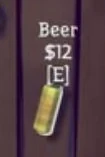
Buy the yellow Beer on the lighthouse door: aim at its $12 label and press E.

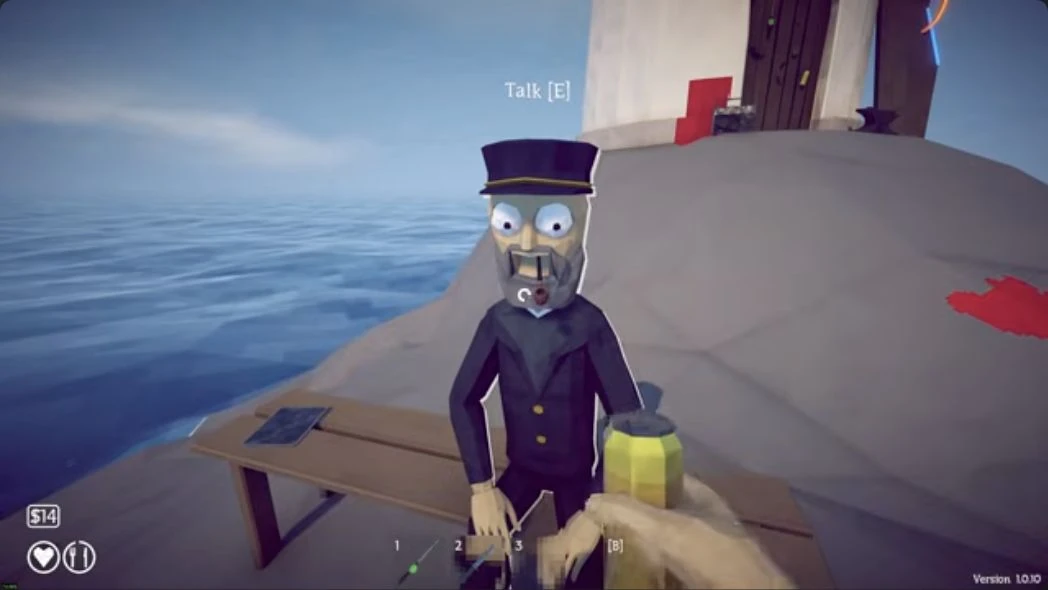
  1. Check the purchase: the can is now in hand. The pictured wallet falls from $26 to $14.
  2. Hold the Beer toward the Keeper’s mouth and hold Q to give it to him.
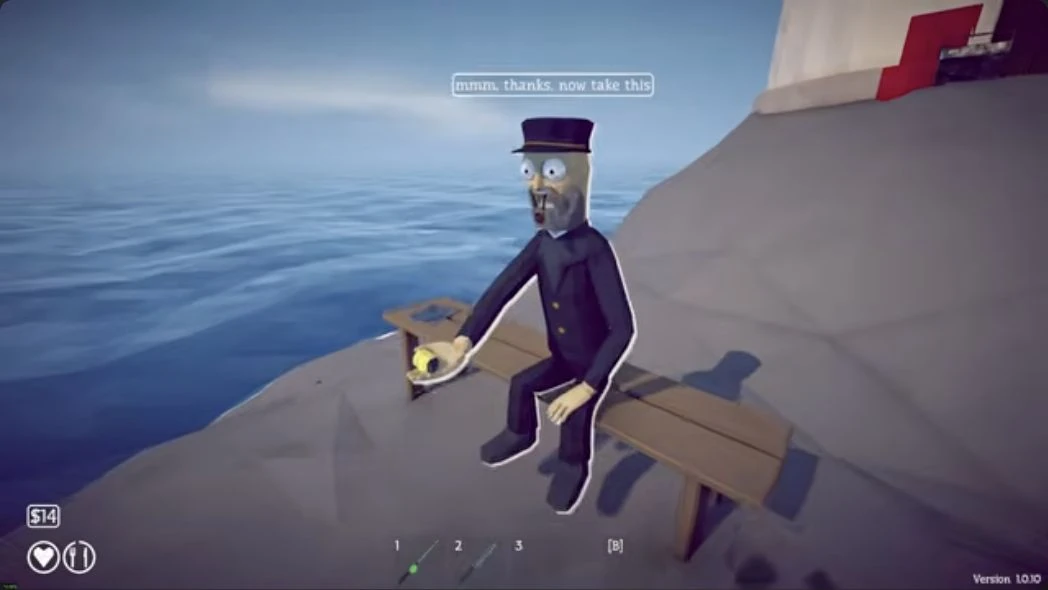
  3. He thanks you and holds out a yellow can.
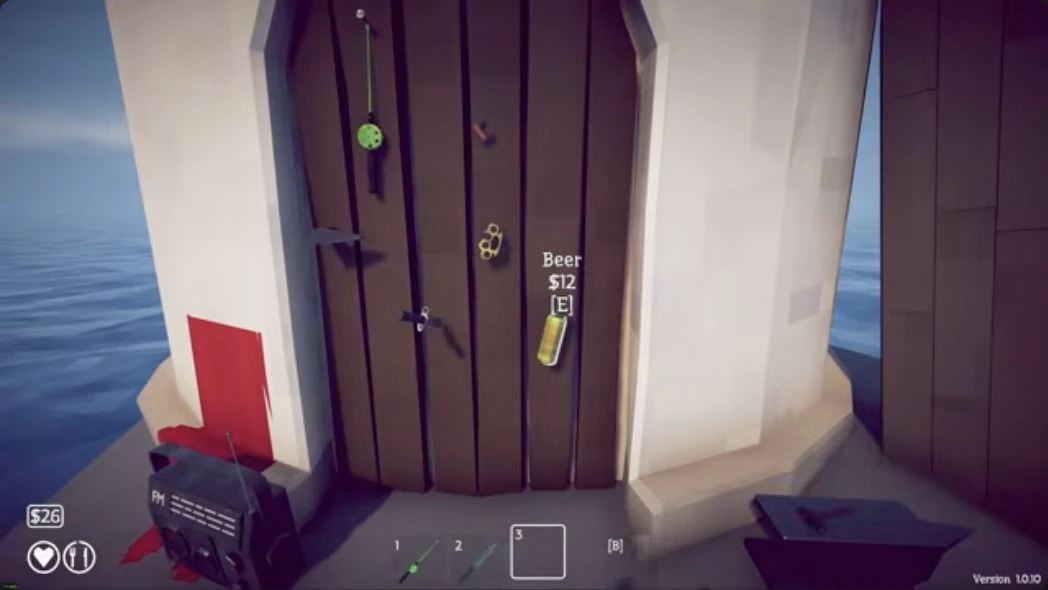
Beer for sale on the lighthouse door
Buy the full yellow Beer here, on the lighthouse door (version 1.0.10). Tap image to enlarge. Image: Checkmark Academy
Beer price twelve dollars and E button detail
Beer: $12, with the E purchase prompt. Tap image to enlarge. Image: Checkmark Academy
Held Beer facing the Keeper and wallet fourteen
After buying: hold the full can in front of the Keeper’s mouth. The wallet is now $14. Tap image to enlarge. Image: Checkmark Academy
Keeper returning the empty yellow can after Beer hand-in
Exchange accepted: the Keeper thanks you and holds out the empty can. Tap image to enlarge. Image: Checkmark Academy

Use the Empty Beer Can

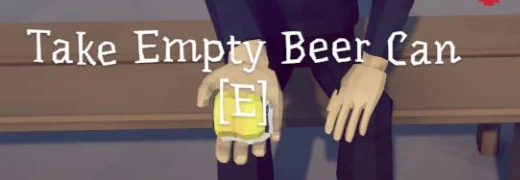
Press E at Take Empty Beer Can.

Hold the rod and press B to cycle to the can.

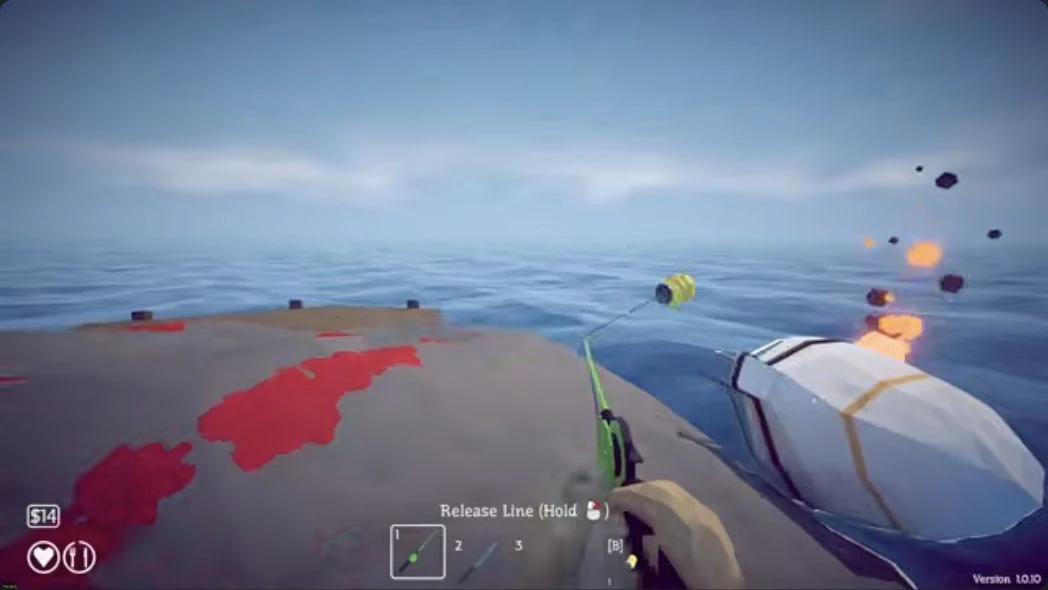
Check for the yellow can hanging from the line, then cast for Spider Crab.
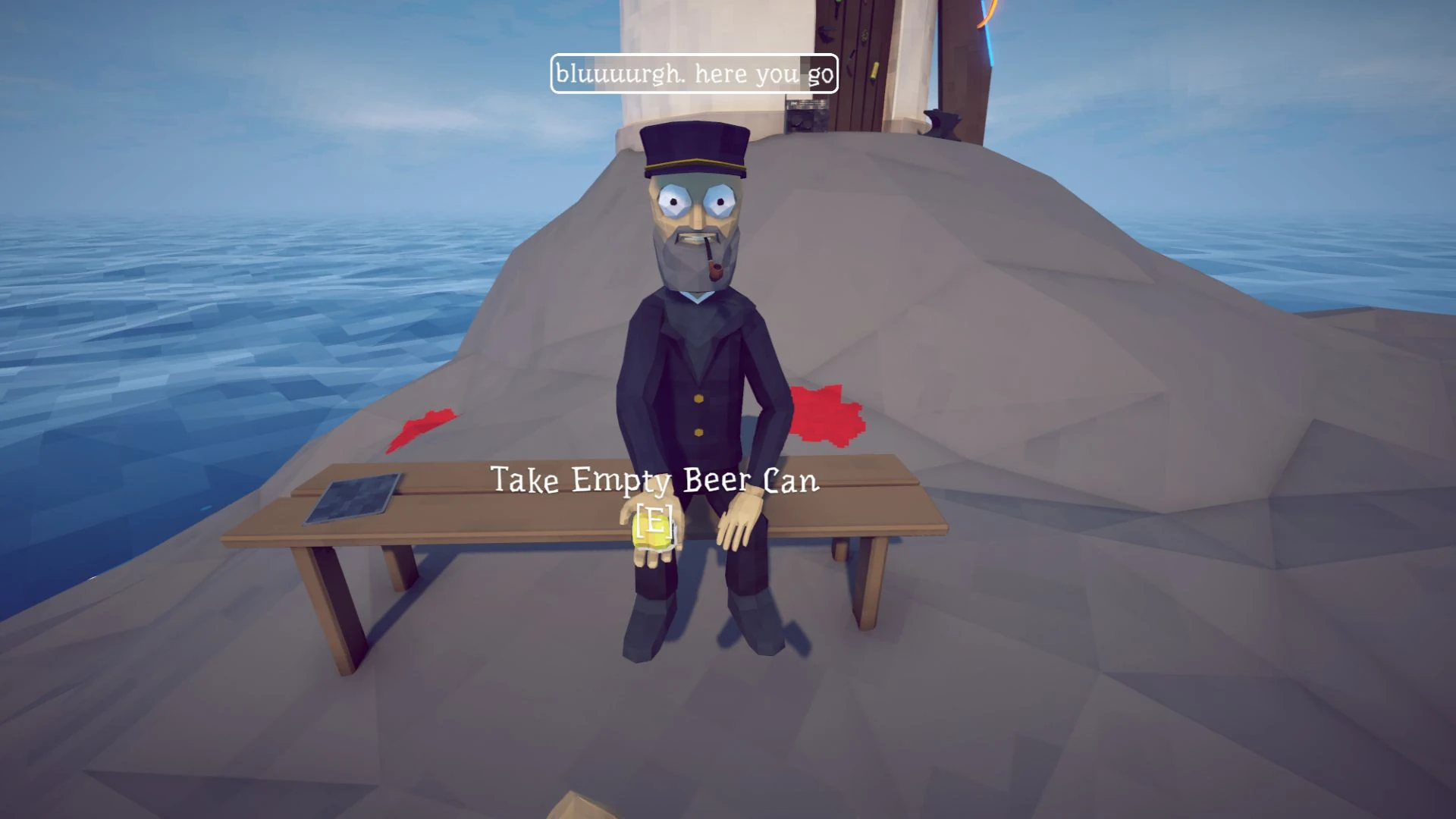
Keeper at the lighthouse with the Empty Beer Can E prompt
Take Empty Beer Can: press E at the Keeper’s offered can. Tap image to enlarge. Image: PC Gamer
Empty Beer Can E prompt detail
Close-up from the Keeper image above. Tap image to enlarge. Image: PC Gamer
Green rod with a yellow empty can hanging from its line
Attached state: the yellow empty can is visible at the end of the rod’s line. Tap image to enlarge. Image: Checkmark Academy

Choose your moment

Recover health with seafood before casting; a knife is a useful solo option.

  1. Move sideways out of the crab’s straight charge.
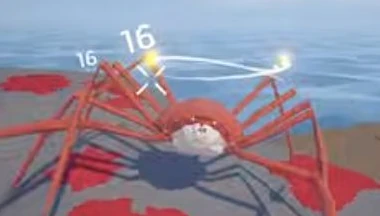
  2. Attack while stars circle its head.
  3. Retreat as it recovers, then repeat at the next opening.
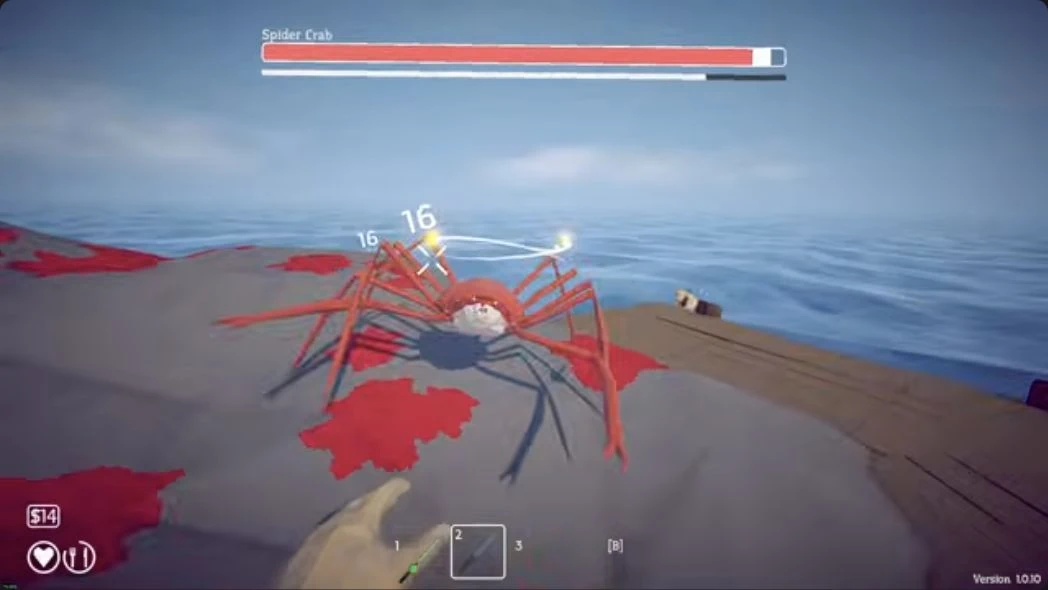
Spider Crab with bright stars above its head
Watch the bright stars above Spider Crab’s head (version 1.0.10). Tap image to enlarge. Image: Checkmark Academy
Close-up of the stars and white ring above Spider Crab
Look for the stars and white ring above the head. Tap image to enlarge. Image: Checkmark Academy

Return the Shell to the Keeper

Keep the large red Spider Crab Shell, a separate drop from the meat.

Carry it to the Keeper and hold Q to hand it over.

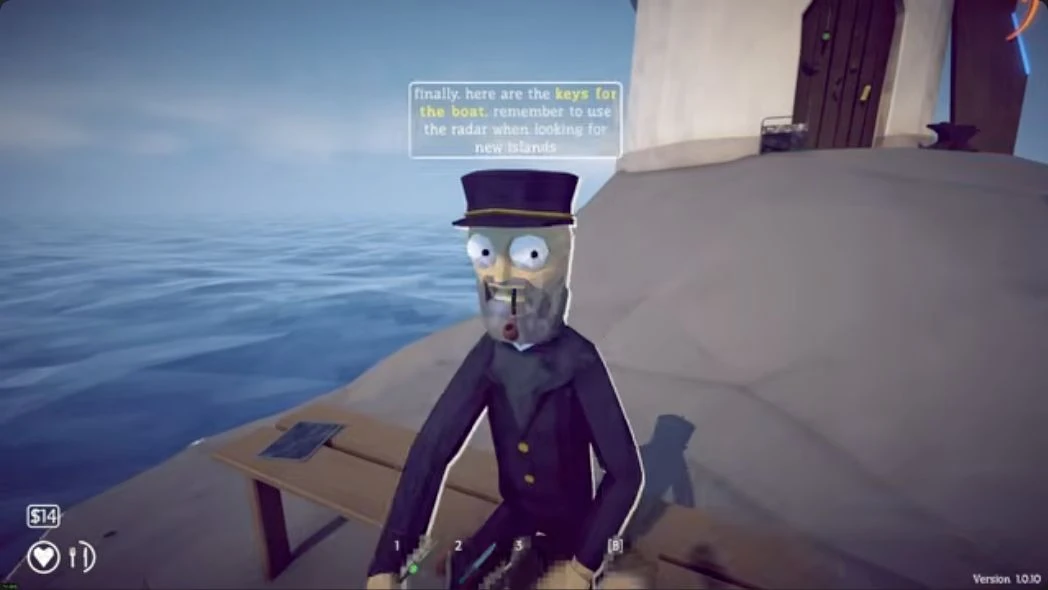
After the hand-in, the Keeper announces Boat Keys and holds them out.
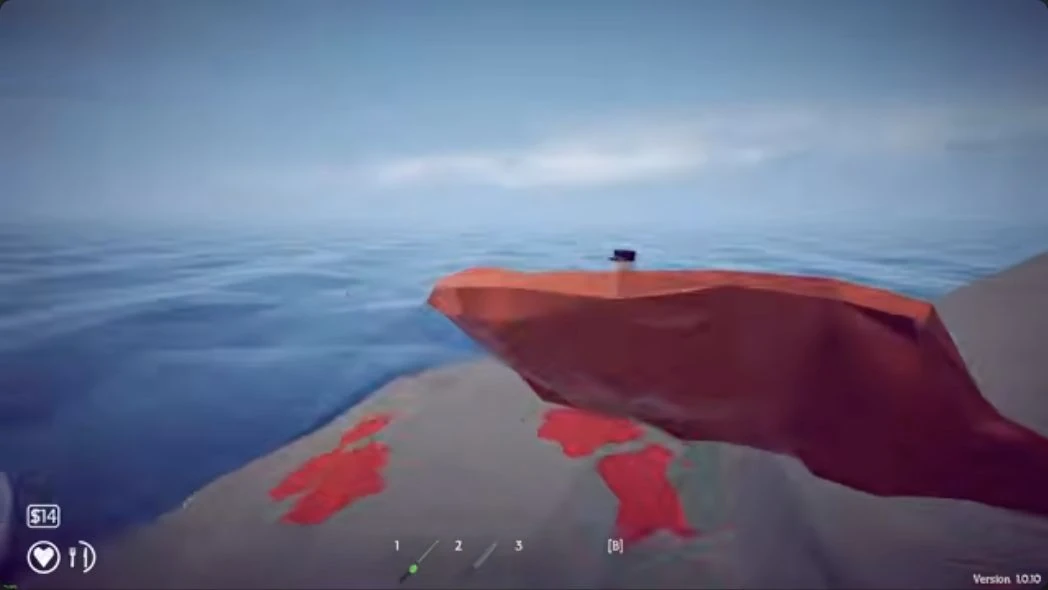
Large red trophy held after Spider Crab
Carry the large red trophy back to the Keeper. Tap image to enlarge. Image: Checkmark Academy
Keeper offering Boat Keys after the red trophy hand-in
After the hand-in, the Keeper offers Boat Keys. Tap image to enlarge. Image: Checkmark Academy
Close-up of the Keeper boat keys dialogue
The Keeper’s reply confirms the boat-key reward; collect the offered keys in the next step. Tap image to enlarge. Image: Checkmark Academy

Take Boat Keys from the Keeper

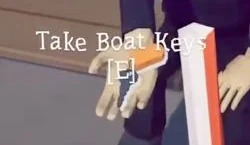
Press E at Take Boat Keys to collect the offered reward.

Buy the separate Radar beside the Keeper.

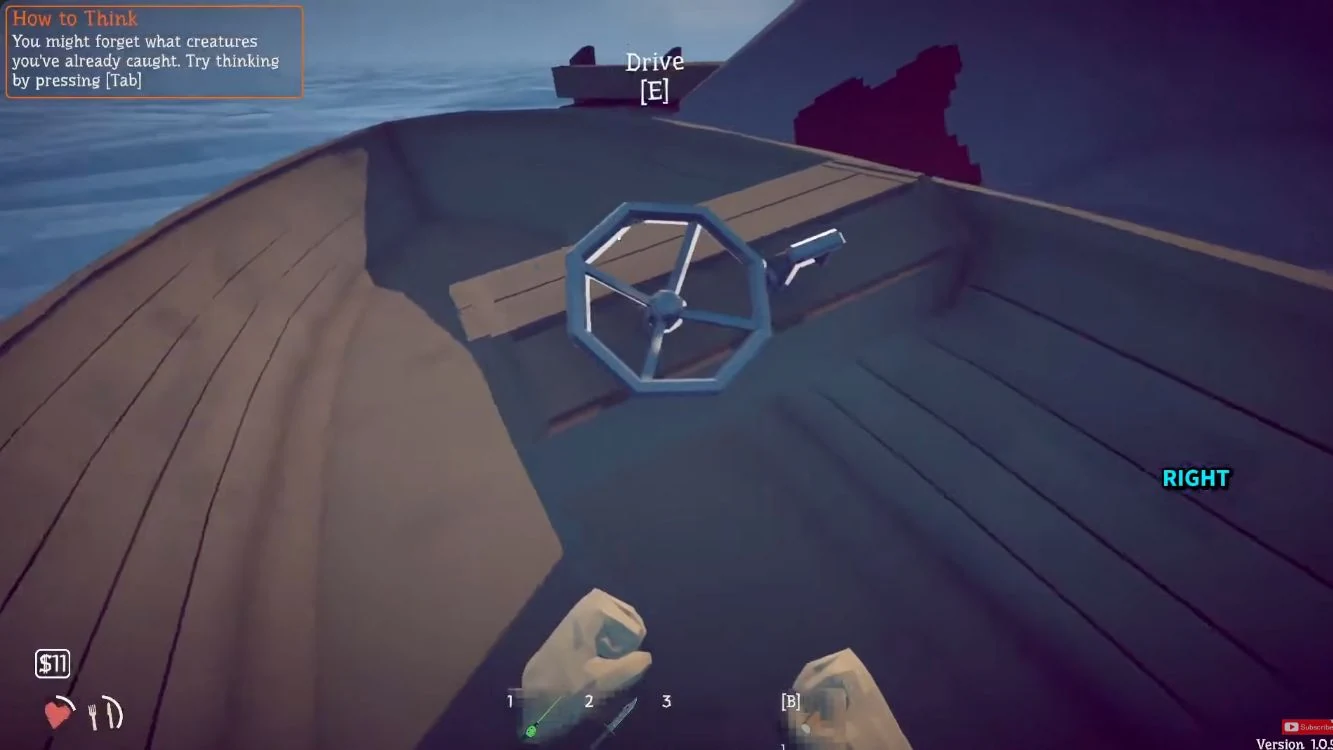
At the wooden boat’s helm, press E at Drive.

Your next destination is Forest, the green radar marker.
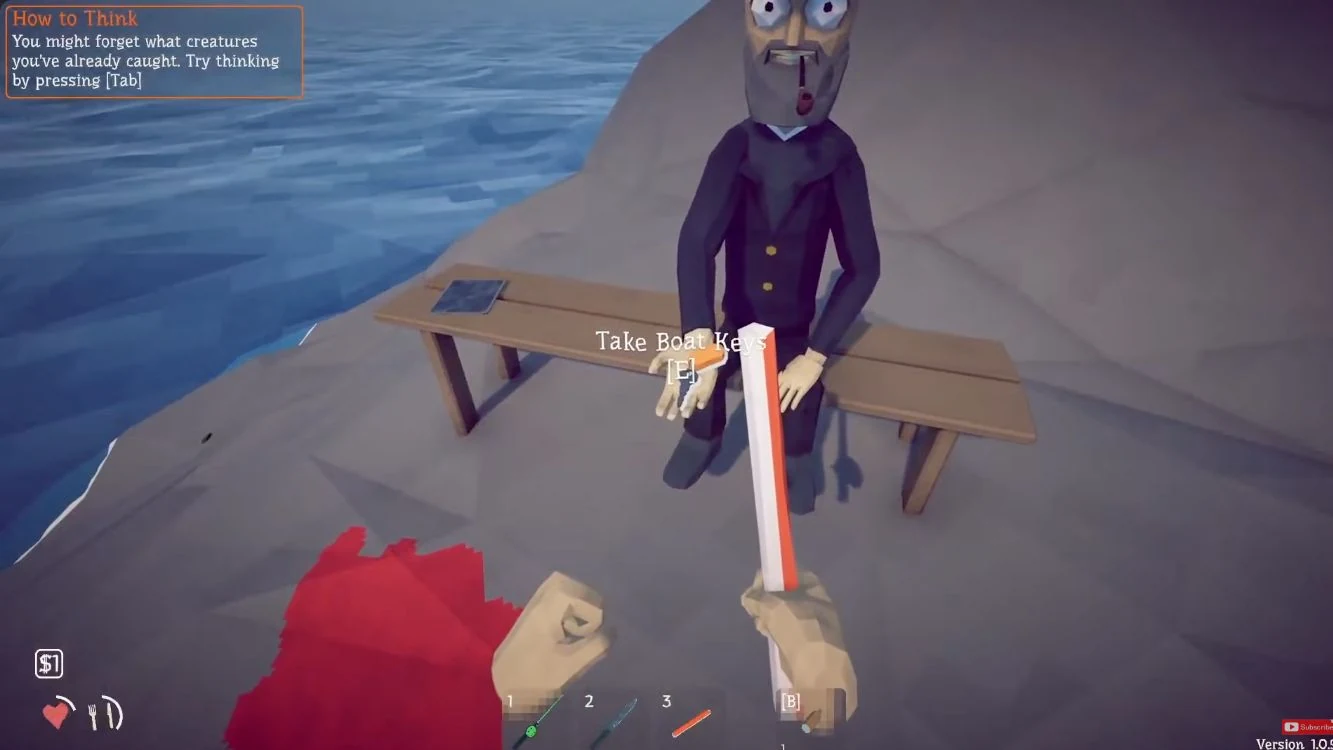
Keeper's Take Boat Keys E prompt
Keys offered, before pickup. Tap image to enlarge. Image: Ditech Gaming
Keys control
Press E at Take Boat Keys. Tap image to enlarge. Image: Ditech Gaming
Boat helm prompt
At the wooden helm, press E at Drive. Tap image to enlarge. Image: Ditech Gaming
Drive control
Press E at Drive. Tap image to enlarge. Image: Ditech Gaming

Continue or retry

Capture versions

Screenshots span versions 1.0.1, 1.0.9 and 1.0.10. Check your control bindings if a prompt differs.

Sources and further reading

Skoottie

Checkmark Academy

How to beat Spider Crab

Ditech Gaming

All Things How

Neoseeker starter walkthrough

GamesRadar

Spider Crab strategies

PC Gamer

Every Bait and Lure